
HANDS OVER Controller Support and Settings Reports
Read the keyboard prompts shown in official HANDS OVER screenshots, compare controller and settings reports, and distinguish verified controls from unknowns.
Quick answer
Official 1.0.0r31 screenshots show Space, Tab, gesture keys 1–4 and left mouse input. One player reports controller input with PC prompts; full support is unverified.
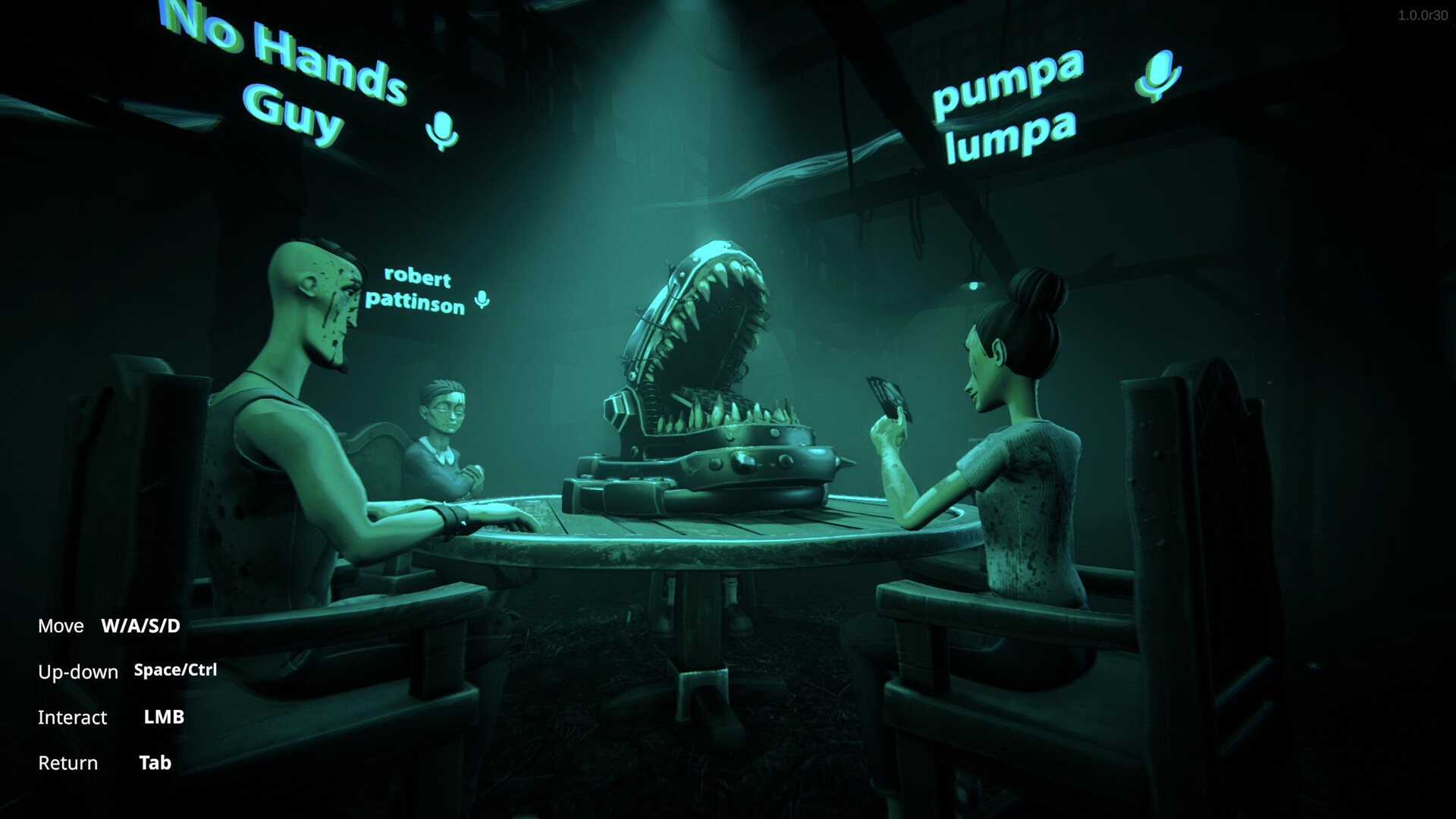
Keyboard and mouse prompts shown by ArtDock
Official Steam screenshots labelled version 1.0.0r31 display the following prompts. They describe controls visible in specific screens, not a complete binding list or a hands-on test of the current build.
| Situation shown | Displayed input |
|---|---|
| Take your turn | Space |
| Take cards | Tab |
| Show a gesture | 1–4 |
| Press a button on the device | Left mouse button |
| Return from that device view | Space |
Space has a context-dependent role in these images: one screen uses it for taking a turn and another for returning. Avoid treating it as one universal action. Table HUD screenshot · Device HUD screenshot


Gesture slots are also explained in the official wardrobe image. See XP and cosmetics for the separate emote-assignment steps.
Does a controller work?
One Steam player reports working controller input, but says the screen still displays PC button icons. They request controller prompts. That is one player’s observation, rather than confirmation of complete compatibility across controller models or every menu. Original comment
The checked Steam app data does not declare a controller-support level. We have not verified a controller binding map, full-support guarantee or Steam Deck rating. A keyboard prompt on screen and a controller input failure are different symptoms. Official app data
What about settings and rebinding?
In another discussion, one player reports being unable to change settings. A respondent describes limited options and reports no graphics options or keybind controls. Neither post is a developer specification or a confirmed repair. Settings thread
For a useful report, name the controller model or exact setting, explain which input works and which fails, and include the screen where the problem appears. Distinguish a missing option from a visible control that does not respond.
This guide does not prescribe configuration-file edits, launch flags or remapping tools without a verified HANDS OVER procedure. If your installed version displays different prompts, use its on-screen instructions and record the version when asking for help.
Checked November 14, 2026.
Sources and verification
- HANDS OVER — shared.akamai.steamstatic.com · Checked 2026-11-14
- HANDS OVER — shared.akamai.steamstatic.com · Checked 2026-11-14
- Steam Community — developer and player discussion · Checked 2026-11-14
- HANDS OVER — store.steampowered.com · Checked 2026-11-14
- Steam Community — developer and player discussion · Checked 2026-11-14
Continue reading
All guides →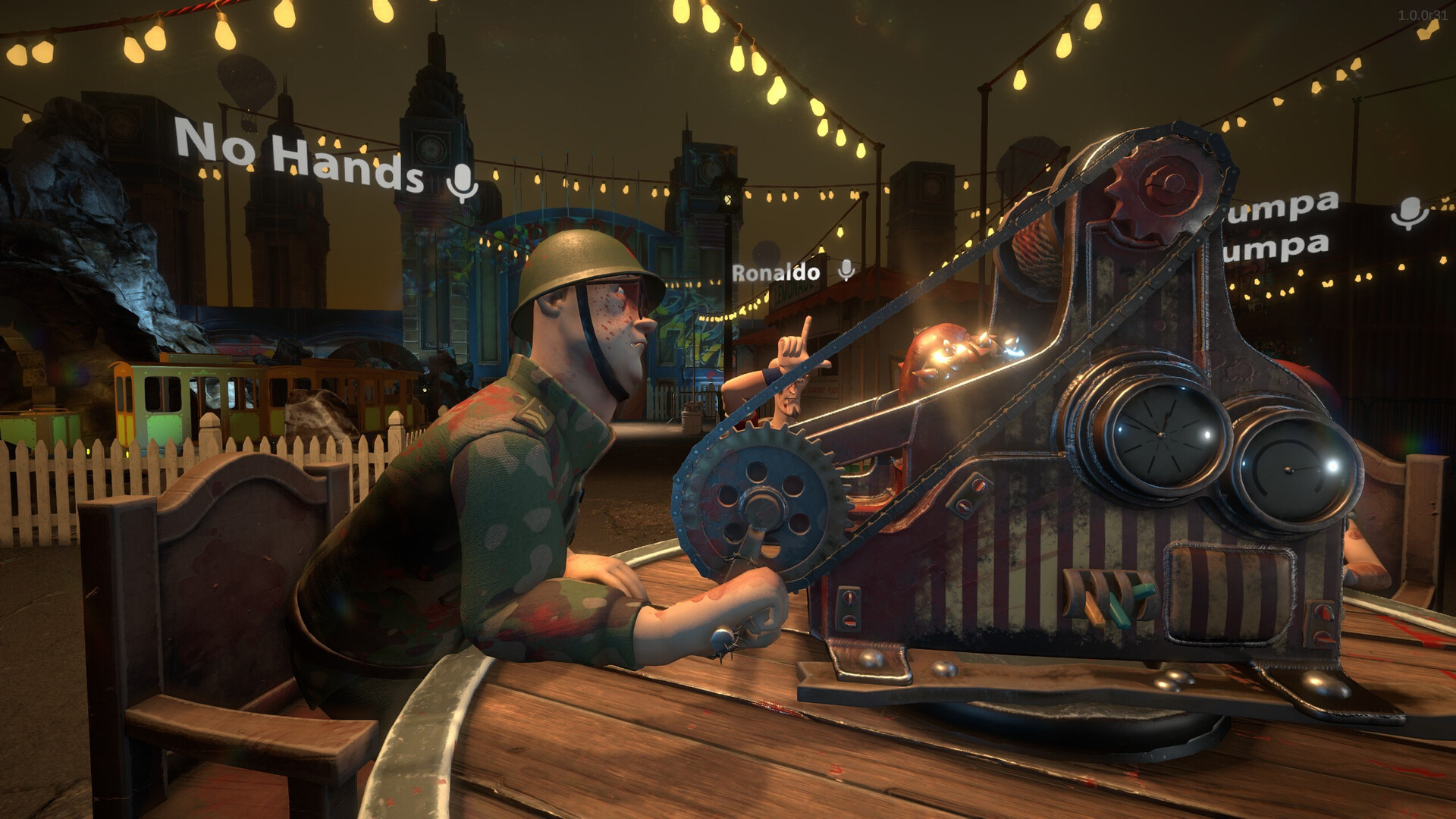
Home
Explore HANDS OVER guides for beginners, demo card effects, multiplayer lobby rules, XP cosmetics and source-backed help with launch errors and disconnects.
Read guide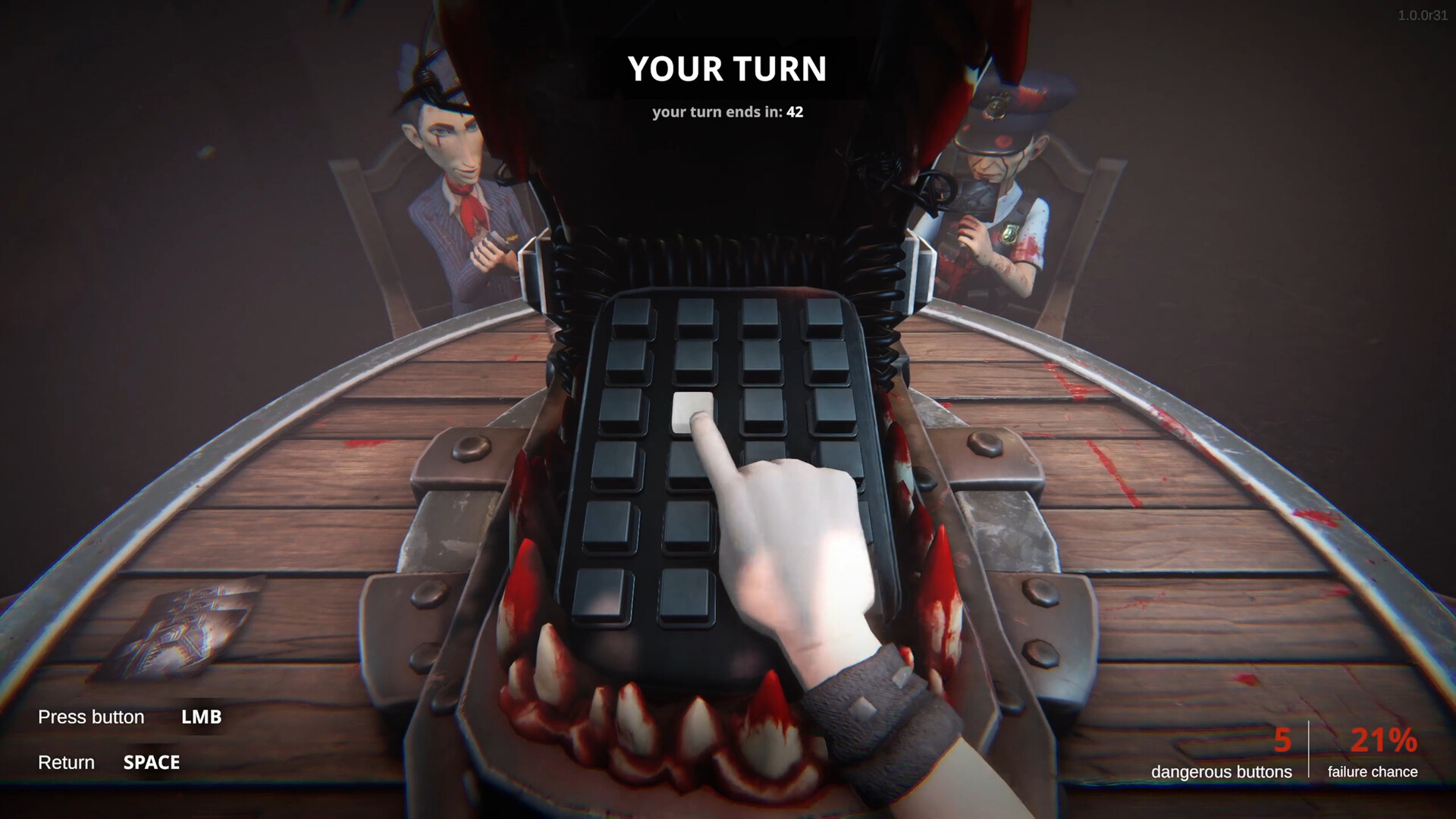
Getting started
Learn the goal of HANDS OVER, how influence cards change table challenges, and what to check before your first multiplayer match in Steam Early Access.
Read guide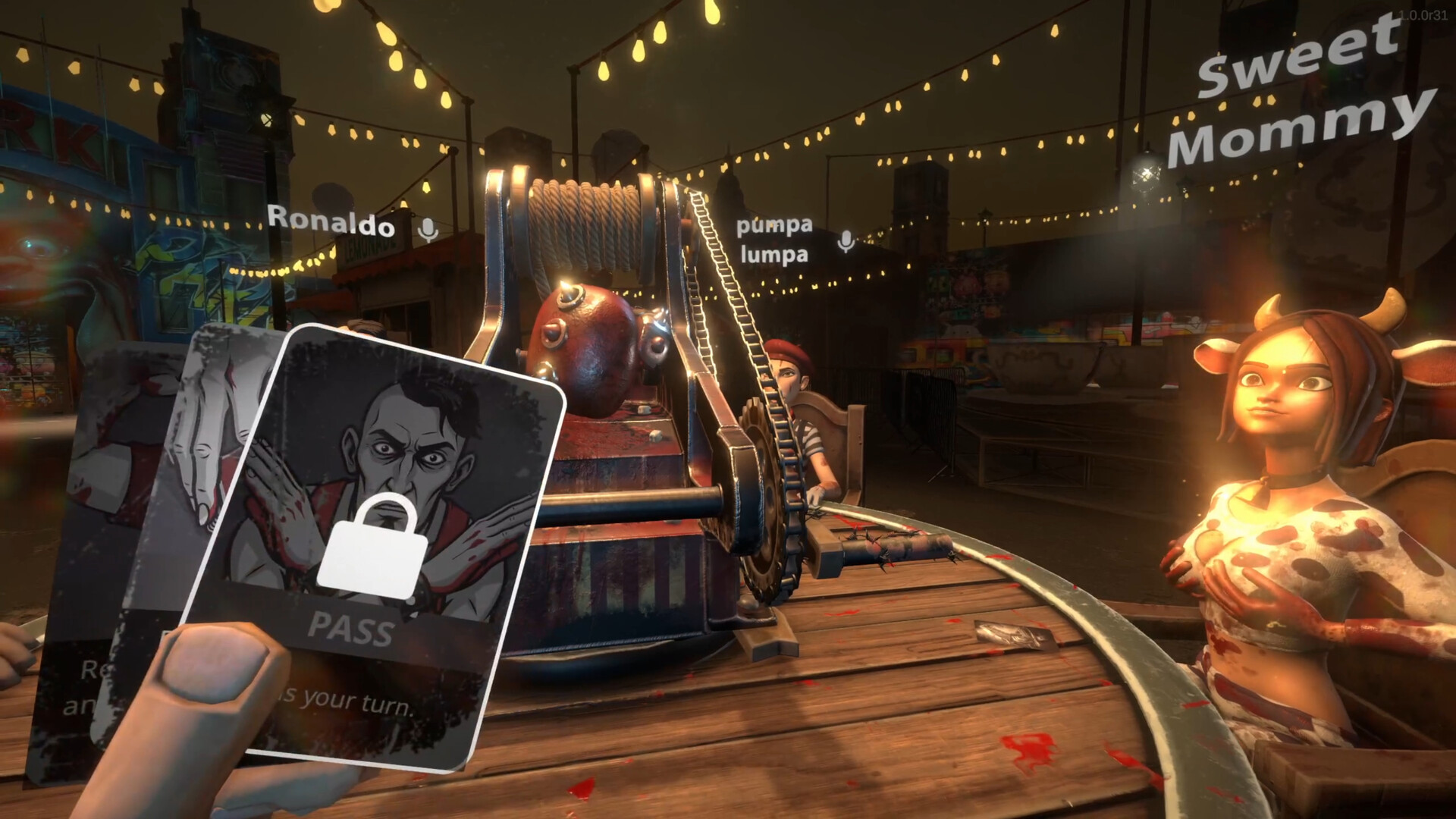
Cards
Compare HANDS OVER demo card effects, including Scan, Hint, Cleanse and Purify, with clear source labels and limits on what is confirmed for Early Access.
Read guide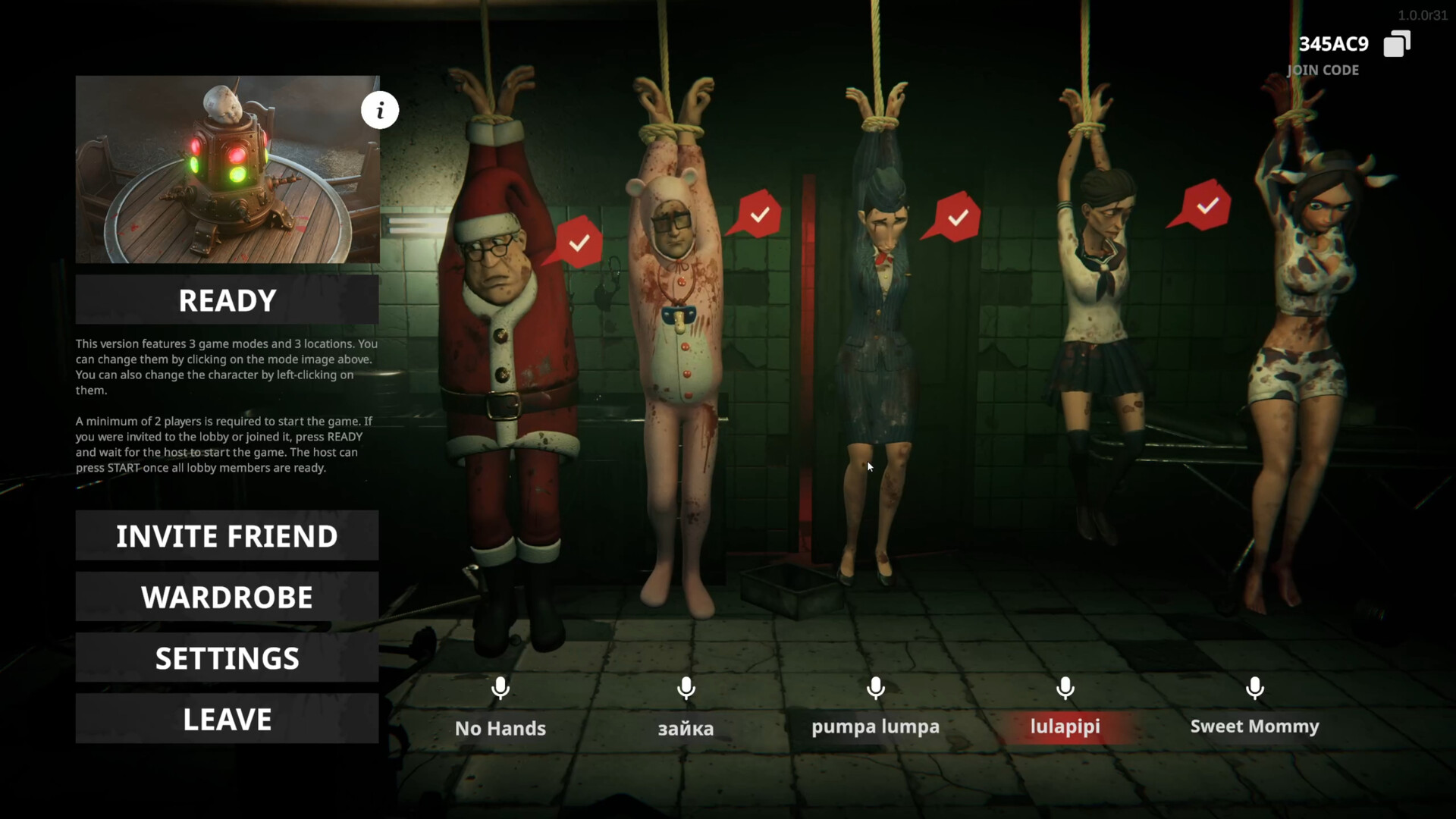
Multiplayer
Check HANDS OVER player counts, official READY and START instructions, lobby screenshots, finding teammates and the limits of demo multiplayer compatibility.
Read guideLobby disconnects
Friends returning to the main menu in HANDS OVER? Follow ArtDock’s request for lobby details, reproduction steps and player logs, without unverified fixes.
Read guide
Launch errors
Compare HANDS OVER launch reports for error 0x11C7 and il2.cpp, understand Smart App Control, and prepare useful logs without disabling Windows protections.
Read guide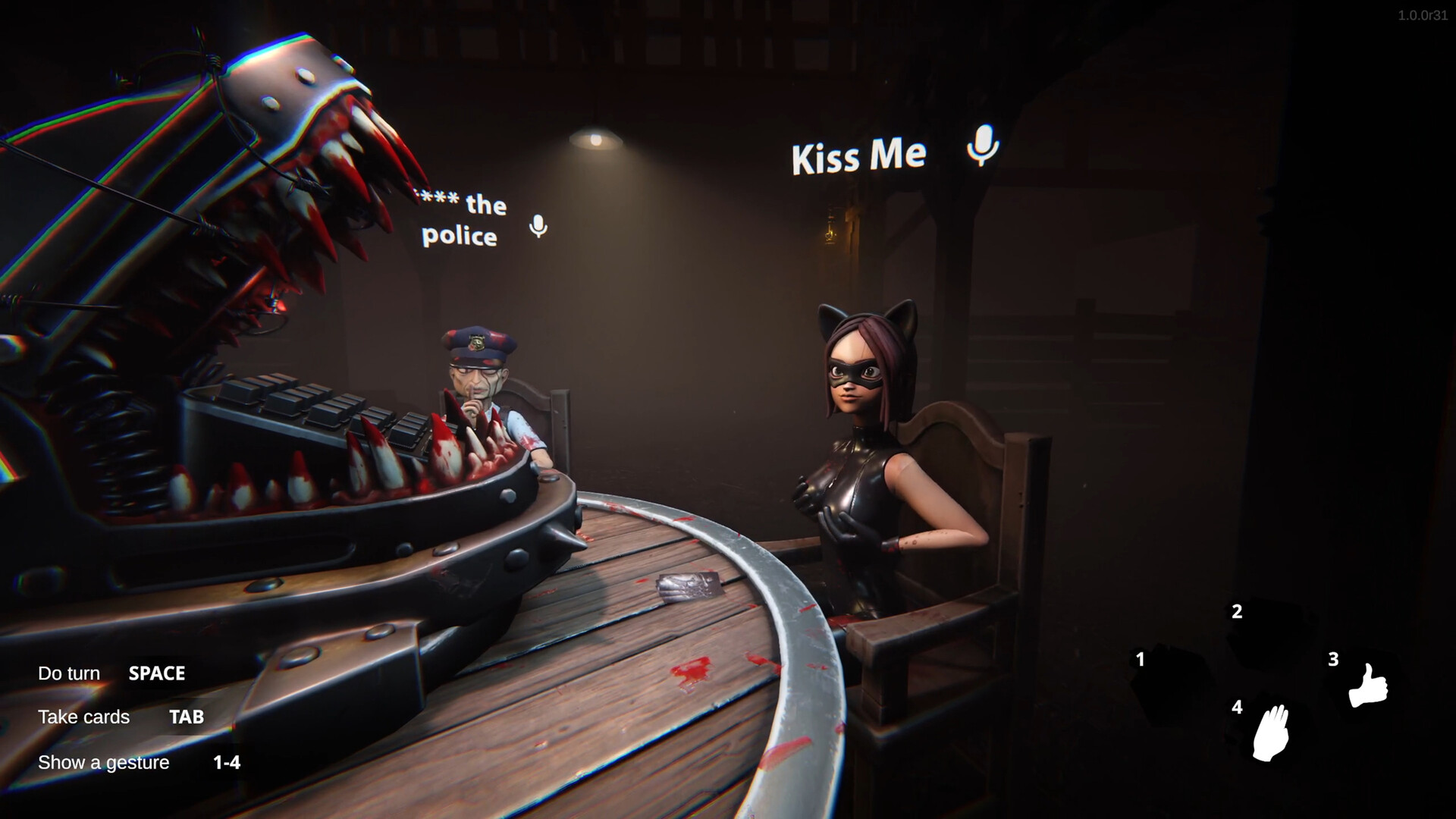
Voice chat
Read ArtDock’s response to HANDS OVER push-to-talk requests, what players report about open microphones, and which voice-chat controls remain unconfirmed.
Read guide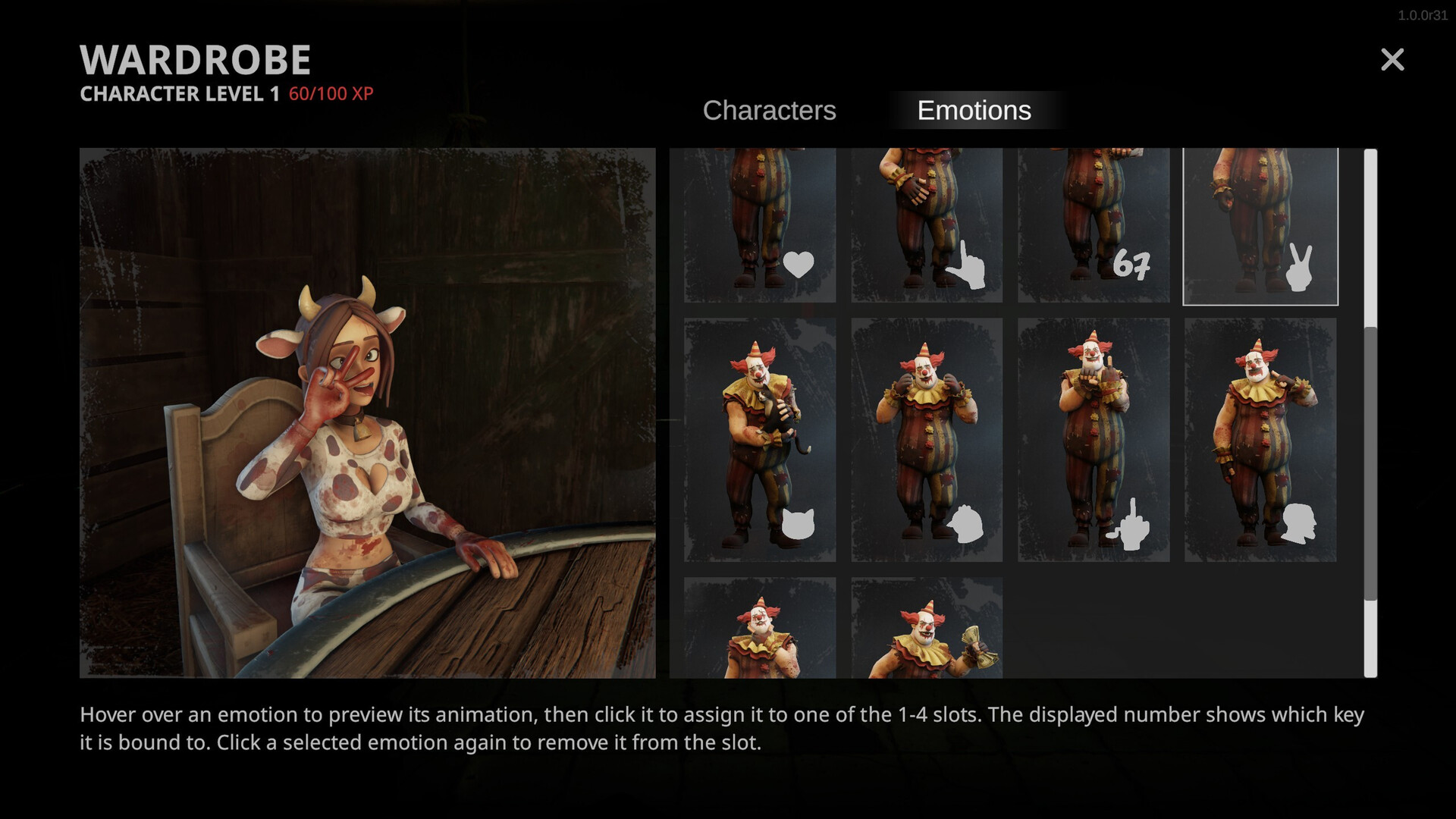
XP and cosmetics
See ArtDock’s XP unlock confirmation and official HANDS OVER wardrobe instructions for assigning emotes to slots 1–4, with clear limits on costs and rewards.
Read guide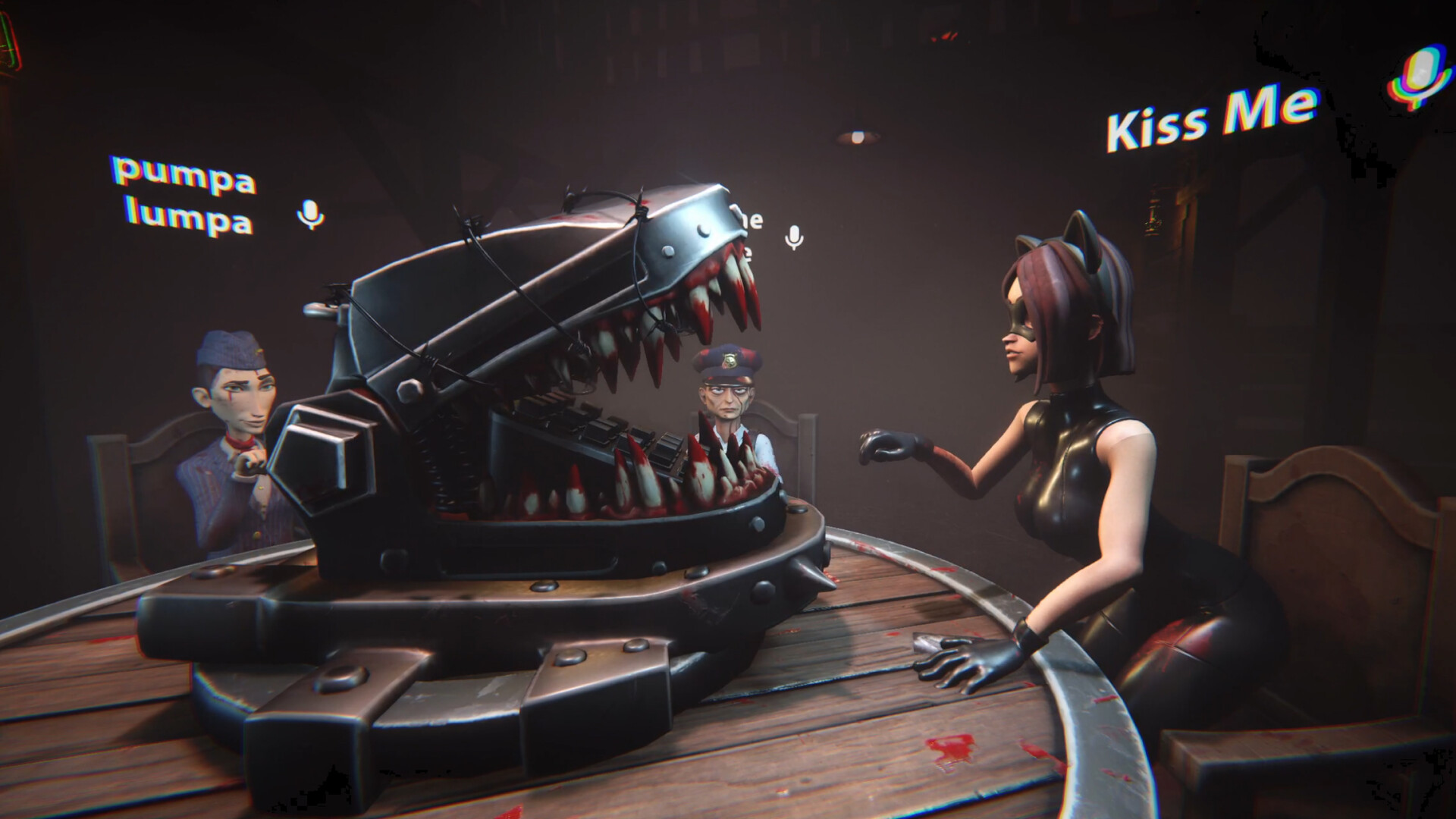
Platforms and requirements
Check HANDS OVER’s Windows minimum requirements from Steam, confirmed platform flags, and what remains unverified about console releases and Steam Deck play.
Read guide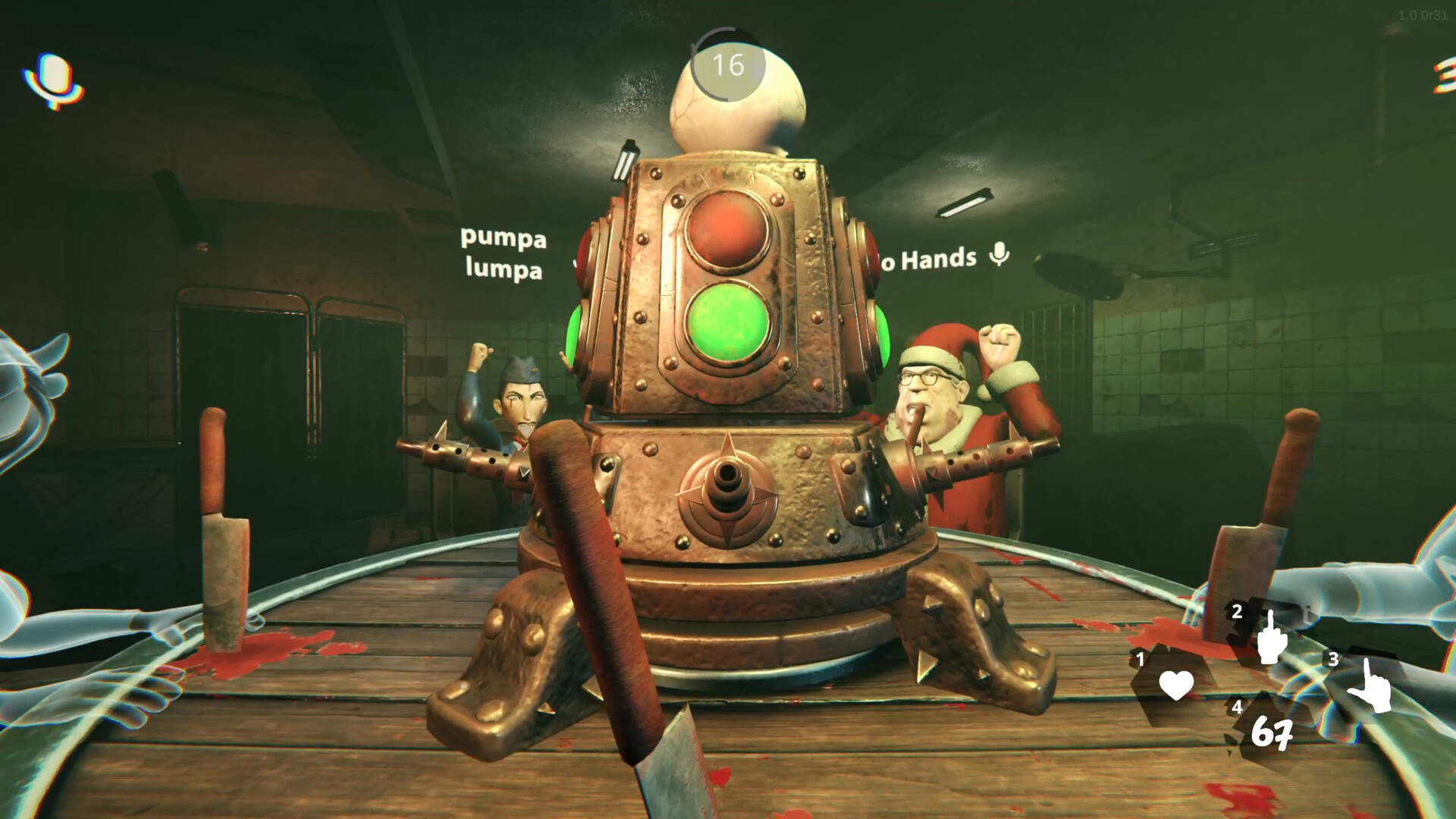
Early Access and demo
HANDS OVER entered Early Access on November 13, 2026. Compare the release and demo, understand the roadmap, and separate confirmed features from future plans.
Read guide